

The supported MySQL versions are 5.7 and 8.0.x
Set up a MySQL database
- AWS RDS
- Self-hosted MySQL
Before using the native MySQL CDC connector in RisingWave, you need to complete several configurations on MySQL.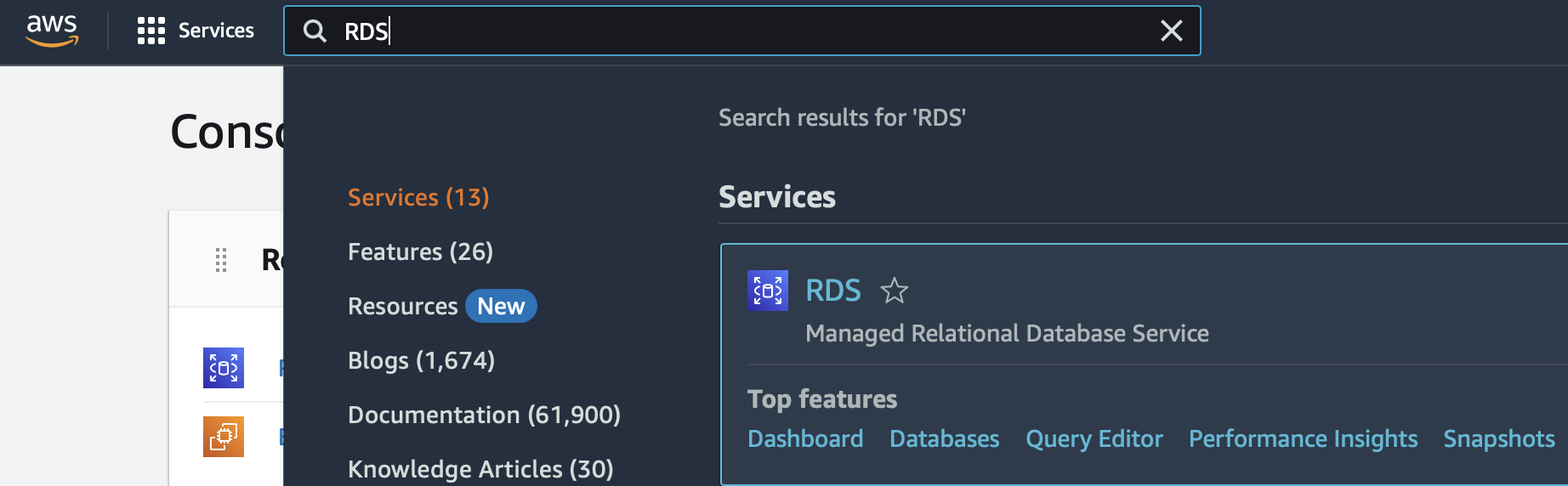
Set up a MySQL RDS instance on AWS
- Log in to the AWS console. Search “RDS” in services and select the RDS panel.
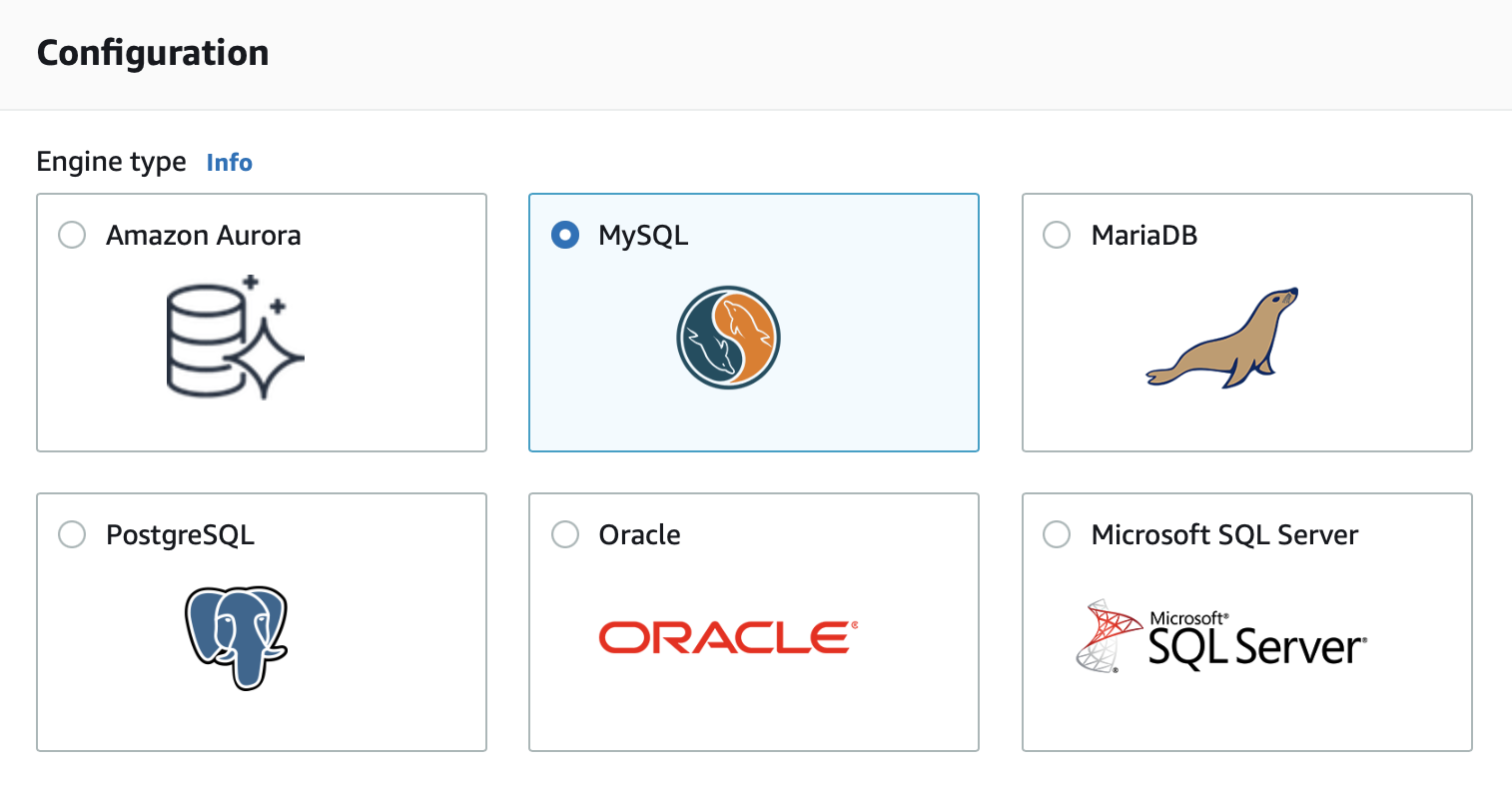
- Create a database with MySQL as the Engine type. We recommend setting up a username and password or using other security options.
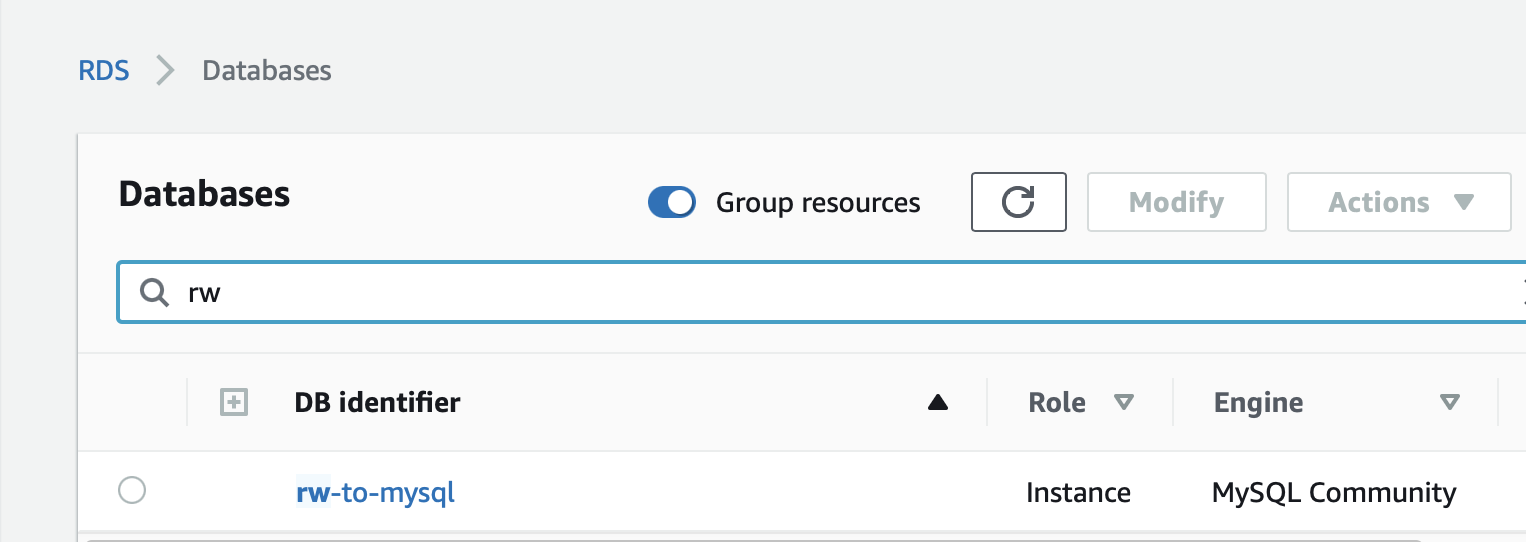
- When the new instance becomes available, click on its panel.
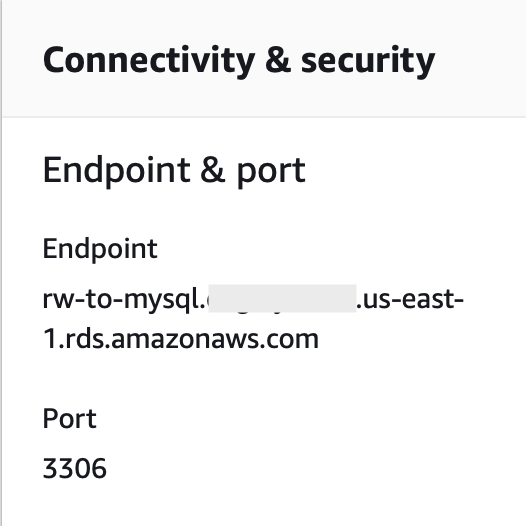
- From the Connectivity panel, we can find the endpoint and connection port information.
Connect to the RDS instance from MySQL
Now we can connect to the RDS instance. Make sure you have installed MySQL on your local machine, and start a MySQL prompt. Fill in the endpoint, the port, and login credentials in the connection parameters.Set up a destination table
Use the following query to set up a database and a table in the RDS instance.Set up RisingWave
Install and launch RisingWave
To install and start RisingWave locally, see the Get started guide. We recommend running RisingWave locally for testing purposes.Notes about running RisingWave from binaries
If you are running RisingWave locally from binaries and intend to use the native CDC source connectors or the JDBC sink connector, make sure you have JDK 11 or later versions installed in your environment.Create a sink
Syntax
Parameters
Sink data from RisingWave to MySQL
Create a table and sink
To sink to MySQL, make sure that RisingWave table and the MySQL table share the same table schema. Use the following queries in RisingWave to create a table and sink. Thejdbc.url must be accurate. The format varies slightly depending on if you are using AWS RDS MySQL or a self-hosted version of MySQL. If your MySQL is self-hosted, the jdbc.url would have the following format: jdbc:mysql://127.0.0.1:3306/testdb?user=<username>&password=<password>.
To treat a null catalog as the current database and prevent access to system schemas, append nullCatalogMeansCurrent to jdbc.url. The jdbc.url would have the following format:
jdbc:mysql://<aws_rds_endpoint>:<port>/test_db?nullCatalogMeansCurrent=true.
Update the table
Insert some data with the following query. Remember to use theFLUSH command to commit the update.
Verify the sink connection
The changes will then be synced to MySQL. To verify the update, connect to MySQL and query the table. The changes you made to the table should be reflected.Data type mapping
For the MySQL data type mapping table, see the Data type mapping table under the Ingest data from MySQL CDC topic. Additional notes regarding sinking data to MySQL:- Array data types in RisingWave when sinked to MySQL will be converted to a string. Only one-dimensional arrays can be sinked to MySQL. For instance,
ARRAY['Value 1', 'Value 2']when sinked to MySQL will be converted to the stringValue 1, Value 2. - For array type, we only support
smallint,integer,bigint,real,double precision, andvarchartype now. - It’s better to set
connectionTimeZone=UTCinjdbc.urlto get the correcttimestamptztype data. For more details, see MySQL’s documentation.