

Overview
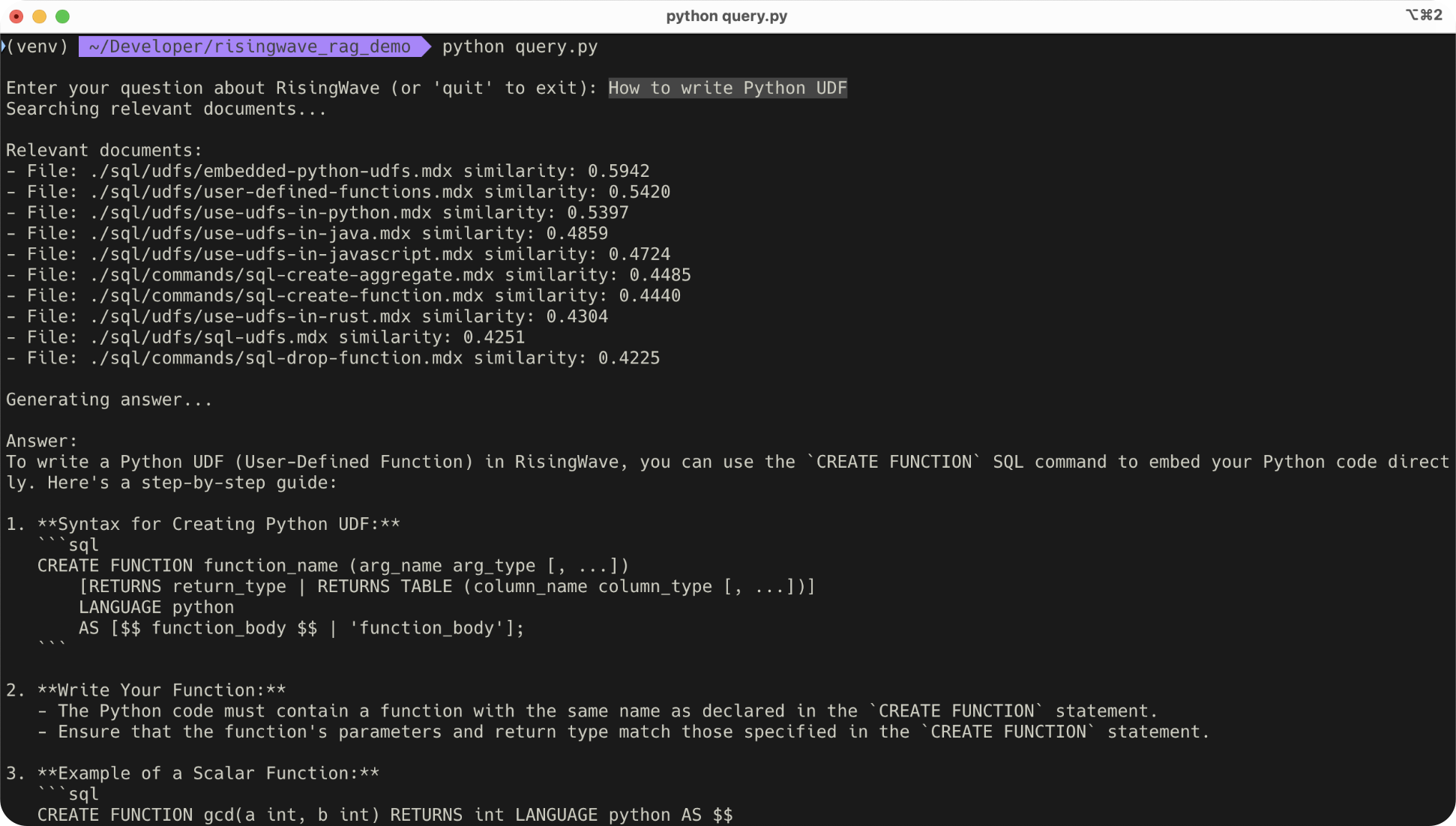
In this tutorial, you will learn how to build a RAG system in RisingWave that answers questions about its own features. The system ingests data from the RisingWave documentation and stores both the document content and their embeddings. When a user asks a question, the system generates an embedding for the query, retrieves the most similar documents from the vector database, and calls an LLM to generate an answer based on the retrieved content.Prerequisites
- Install and run RisingWave. For detailed instructions on how to quickly get started, see the Quick start guide.
-
Ensure you have a valid OpenAI API key and set it as the
OPENAI_API_KEYenvironment variable below.
Step 1: Set up the data pipeline
When the server started, create the necessary tables and materialized views to build up the data pipeline.Step 2: Load data
For this demo, we use the documents from the RisingWave docs.Step 3: Query data
To compare the similarity between the question and the documents, we need to introduce thecosine_similarity UDF.
document_embeddings materialized view to answer questions.
The following SQL uses the text_embedding UDF to embed the question, and then finds the top 10 most similar documents from the document_embeddings materialized view.
Summary
In this tutorial, you learn:- How to use RisingWave’s materialized views and UDFs to create a data pipeline for storing and querying vector embeddings.
- How to perform a semantic search in SQL to retrieve relevant documents for answering user questions.