

RisingWave includes a built-in web UI, the RisingWave Dashboard, which is served by the meta node on portDocumentation Index
Fetch the complete documentation index at: https://docs.risingwave.com/llms.txt
Use this file to discover all available pages before exploring further.
5691 by default. If you start RisingWave with an official Docker or standalone configuration that exposes port 5691, open http://localhost:5691 in your browser to access it. For more details, see Monitor a RisingWave cluster.
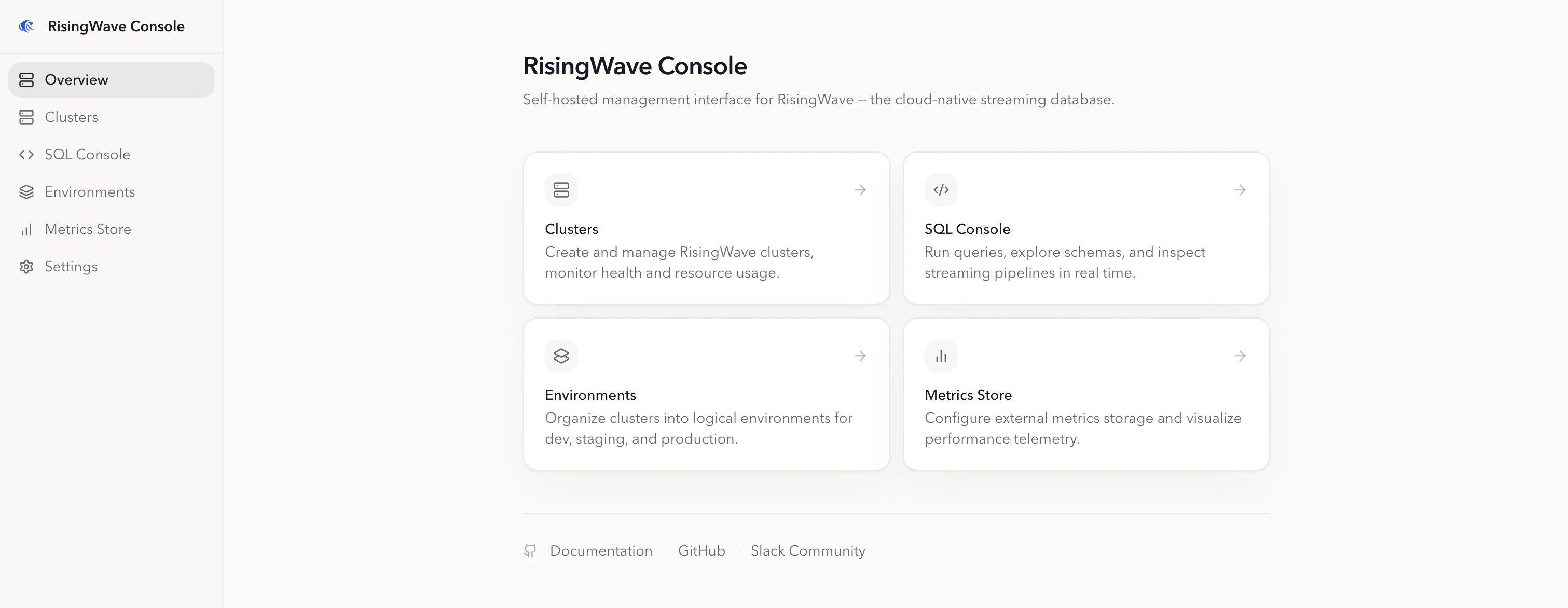
RisingWave Console is a separate self-hosted operations console from RisingWave Labs. It is designed for teams that need additional operational workflows for managing RisingWave environments and clusters.
Key features
RisingWave Console provides:- Kubernetes environment management: Install supporting services with one-click workflows and manage RisingWave environments from a central UI.
- Cluster lifecycle operations: Create and operate managed RisingWave clusters, or connect existing clusters for day-2 operations.
- Operational tooling: Run
risectlcommands, create metadata snapshots, and collect diagnostic data for troubleshooting. - SQL Console: Browse schemas, run SQL in the browser, track DDL progress, and inspect the streaming graph.
- Metrics integration: Register metrics stores and use them with managed environments and clusters.