> ## Documentation Index
> Fetch the complete documentation index at: https://docs.risingwave.com/llms.txt
> Use this file to discover all available pages before exploring further.
# Manage payment methods
You can manage your payment methods for your organization in RisingWave Cloud. The saved payment methods will be used to make automatic payments of the monthly bill after each billing period. You can also use the saved payment methods to settle outstanding payments manually if the automatic payment fails. All members of the organization can view and manage payment methods."
Currently, RisingWave Cloud only supports credit cards as the payment method.
## Add a payment method
To add a new payment method, follow these steps:
1. Go to [**Billing**](https://cloud.risingwave.com/billing).
2. Click on the [**Payment Methods**](https://cloud.risingwave.com/billing/payment/) section and then click the **Add payment method** button.
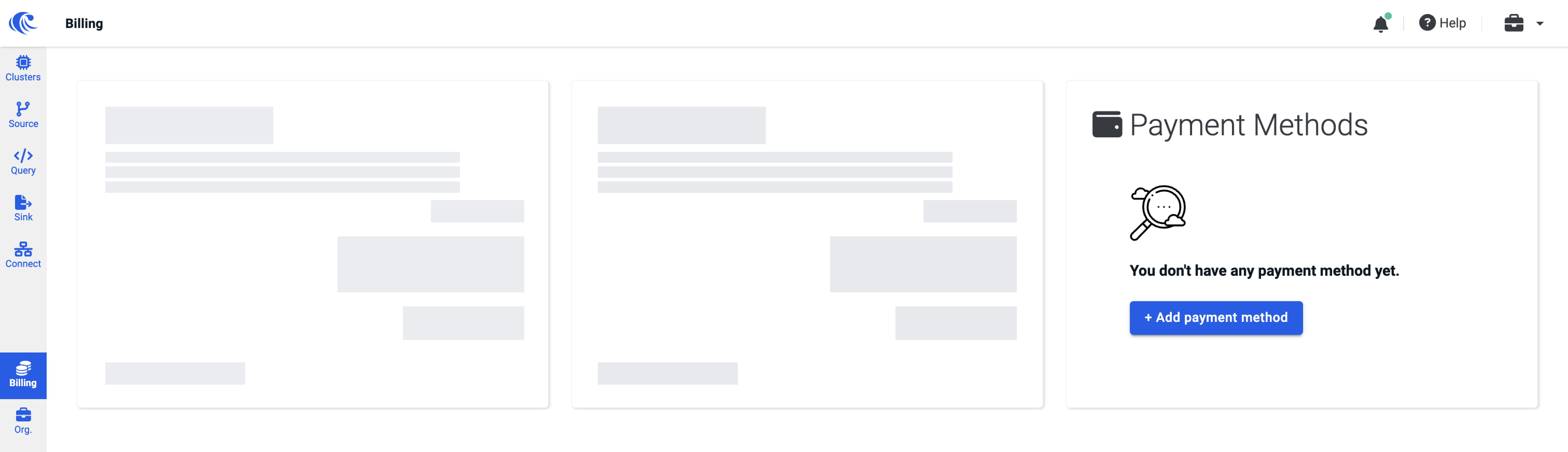 3. Fill in all necessary information on your card.
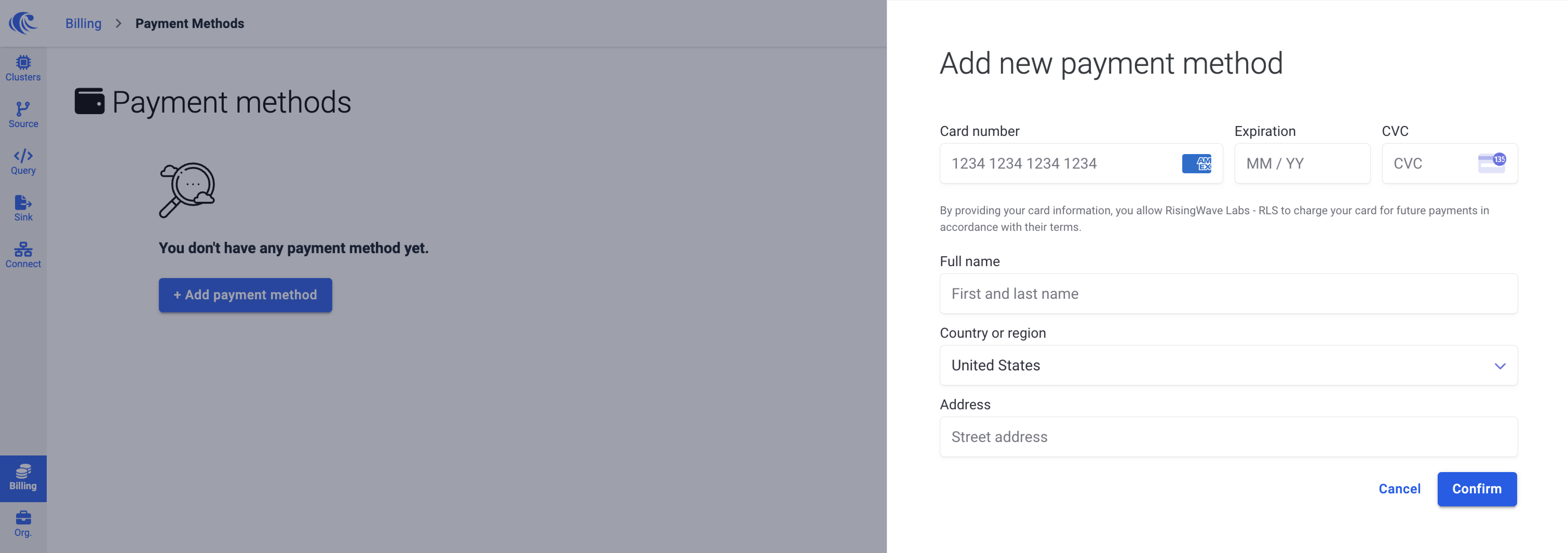 4. Click **Confirm** to save your card.
## Delete a payment method
To delete an existing payment method, follow these steps:
1. Go to [**Billing**](https://cloud.risingwave.com/billing).
2. Click on the [**Payment Methods**](https://cloud.risingwave.com/billing/payment/) section.
3. Click the trashcan/delete button on the top right of the payment method you want to delete.
4. Click **Confirm** to save your card.
## Delete a payment method
To delete an existing payment method, follow these steps:
1. Go to [**Billing**](https://cloud.risingwave.com/billing).
2. Click on the [**Payment Methods**](https://cloud.risingwave.com/billing/payment/) section.
3. Click the trashcan/delete button on the top right of the payment method you want to delete.
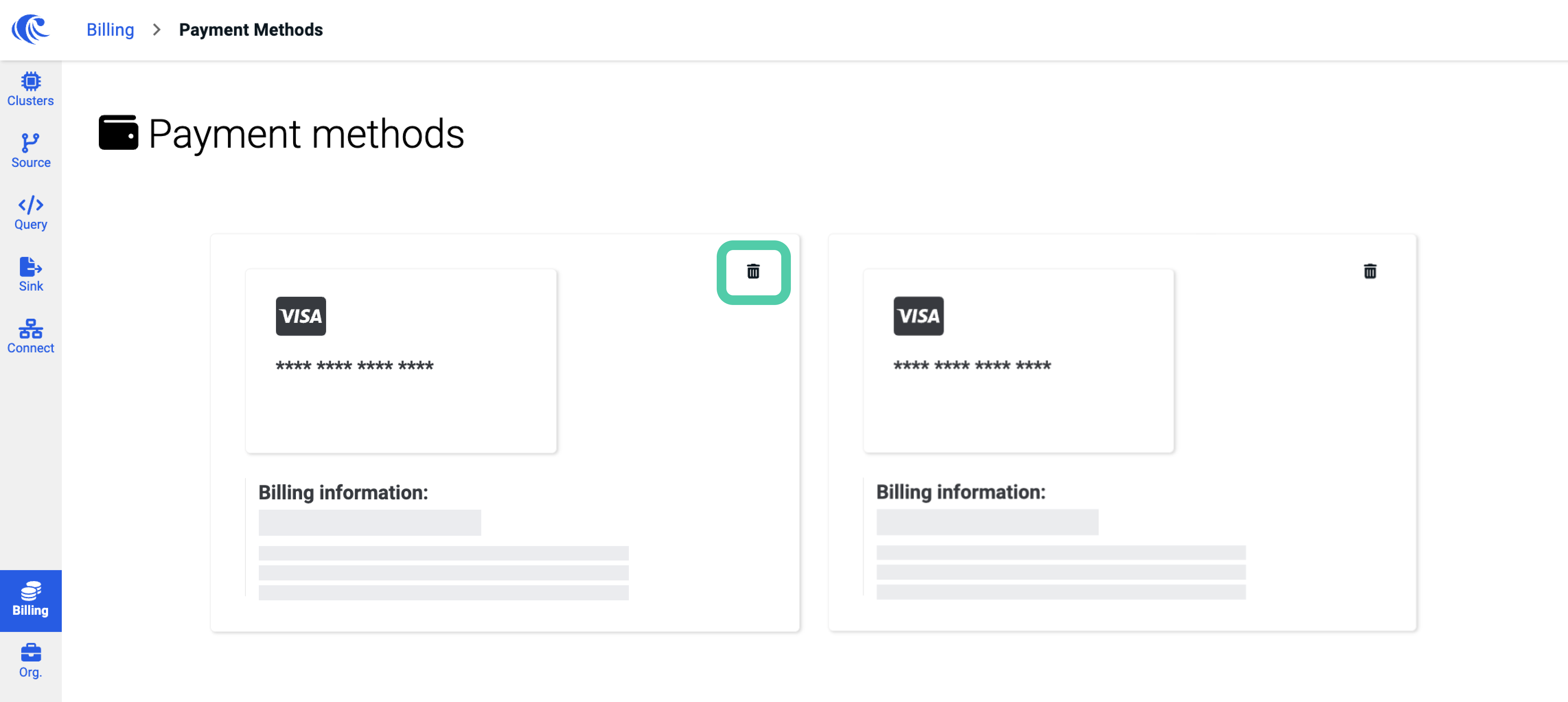 4. Click **Confirm** to confirm the deletion.